For photographers

Plan the clip before you shoot

A pocket calculator for interval, event duration, clip length, and playback FPS. Set the intervalometer with numbers you can trust — not after you have already filled a card.
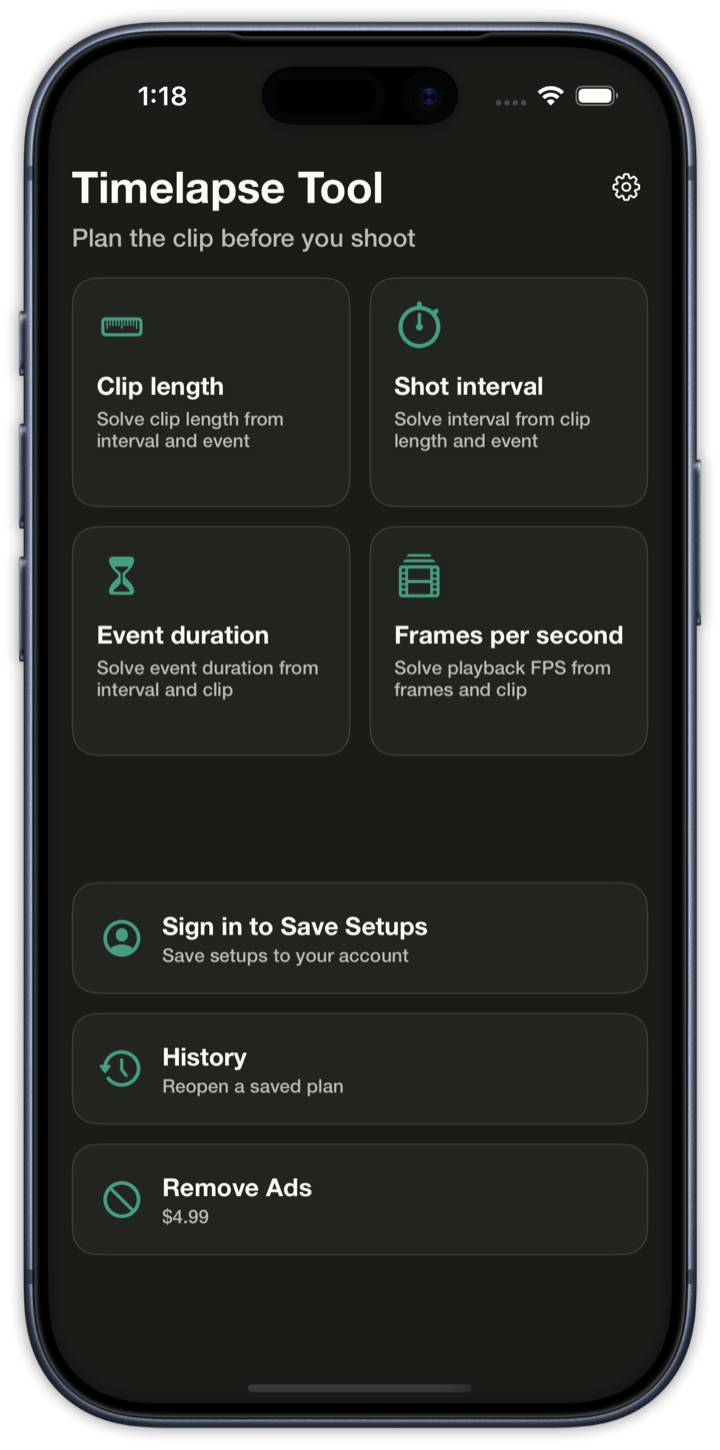
Timelapse Tool launch screen on iPhone: Plan the clip before you shoot Timelapse Tool home screen on iPhone: Clip length, Shot interval, Event duration, and Frames per second

Four solvers

Clip length, shot interval, event duration, or playback FPS. Pick the unknown; the rest stay locked to integer frames.

Live output preview

Watch interval, frame count, clip length, and disk estimate update as you type — then feel the shoot and the playback.

Card space

See the frame count and estimated stills on disk before the intervalometer starts. Short clips and huge cards get a warning.

iPhone app
Solve it, then save the setup

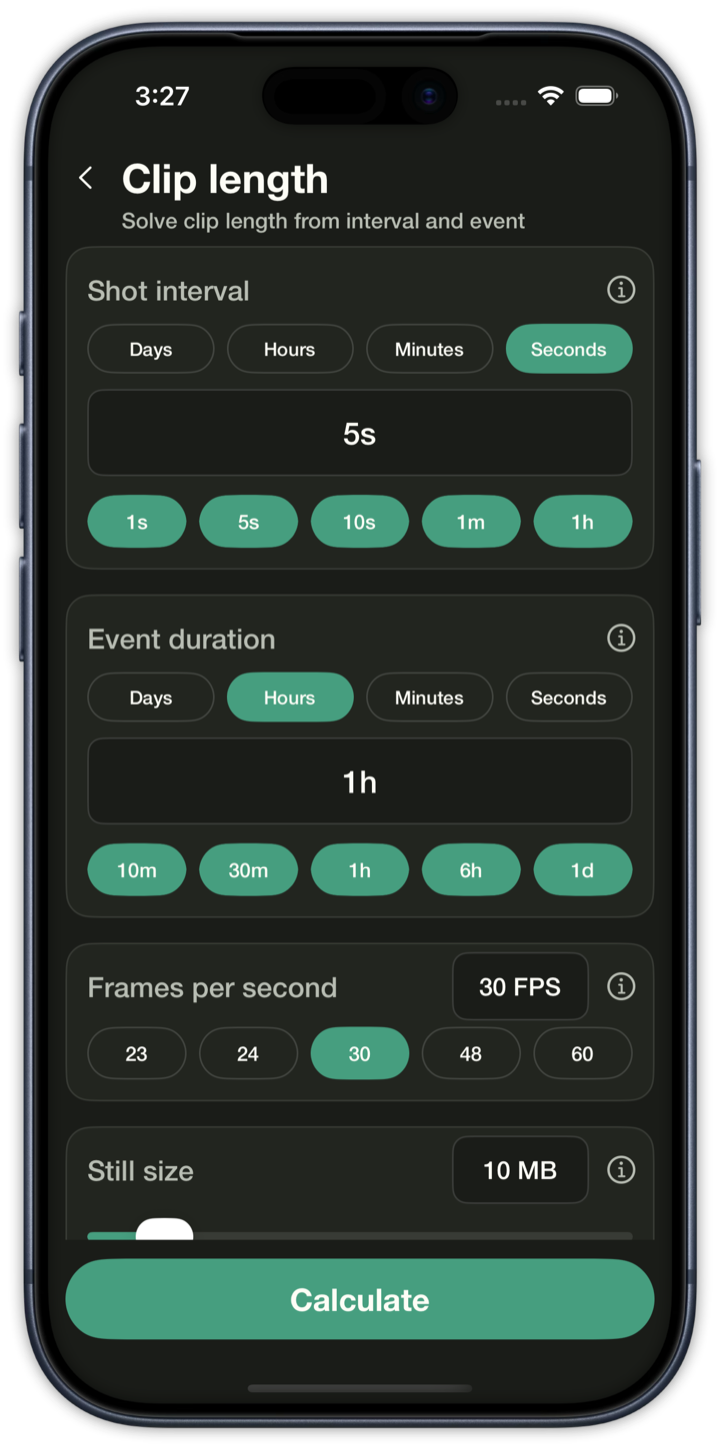
Clip length calculator: 5 second interval, 1 hour event, 30 frames per second, 10 MB still size
Clip lengthFrom interval and event
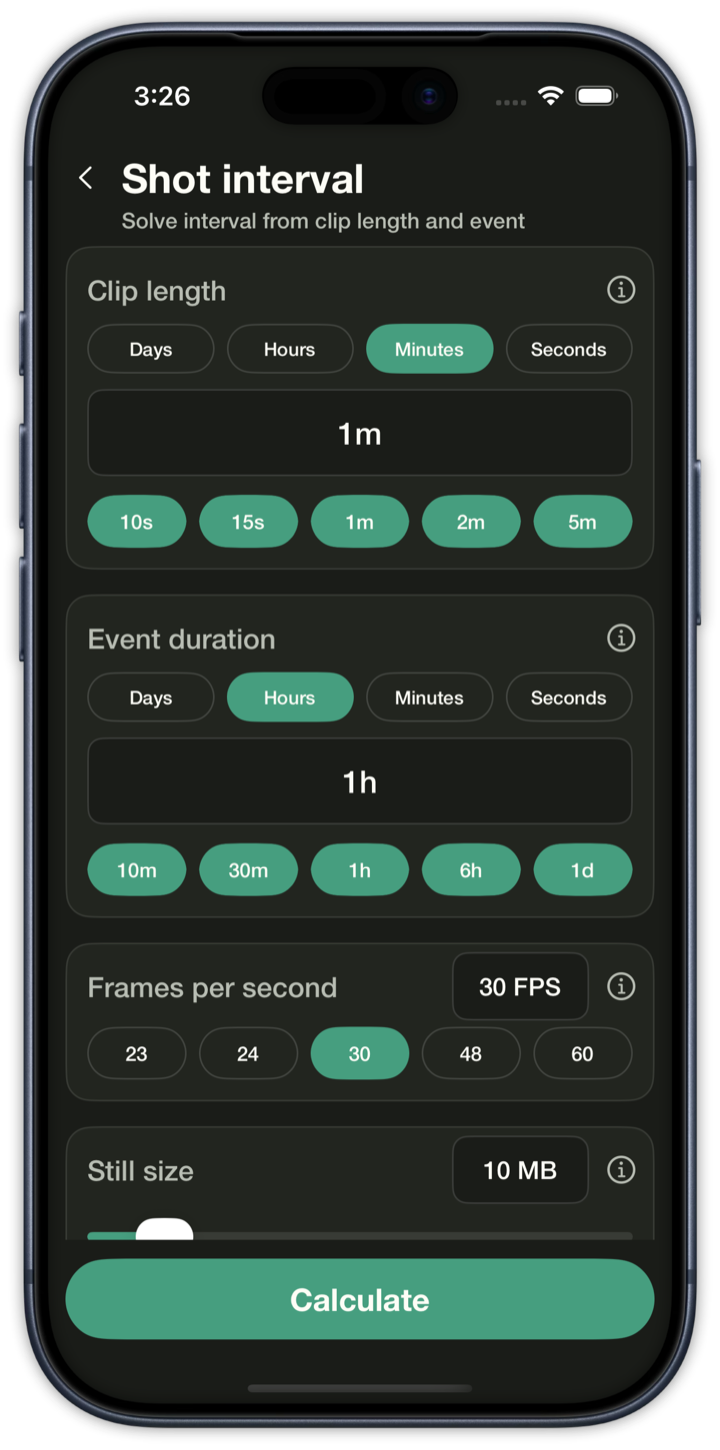
Shot interval calculator: 1 minute clip, 1 hour event, 30 frames per second, 10 MB still size
Shot intervalFrom clip length and event
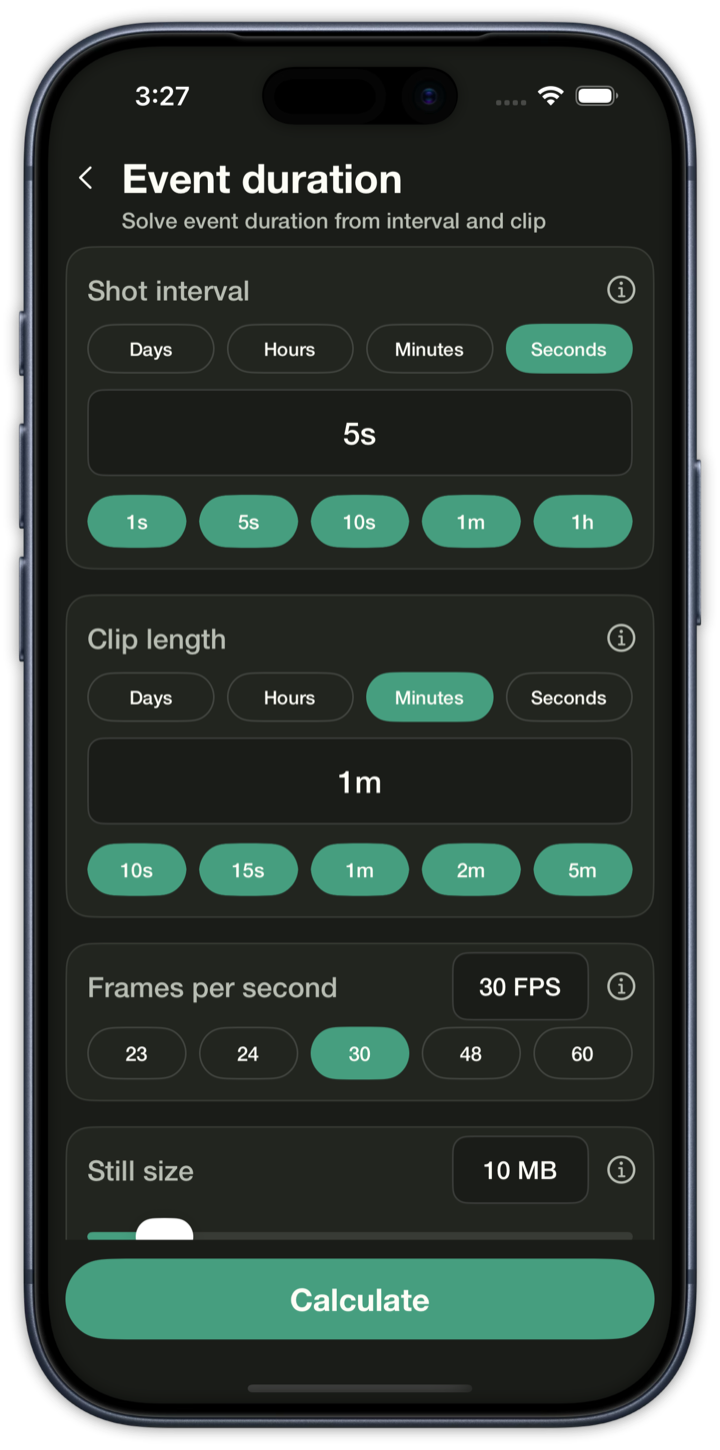
Event duration calculator: 5 second interval, 1 minute clip, 30 frames per second, 10 MB still size
Event durationFrom interval and clip
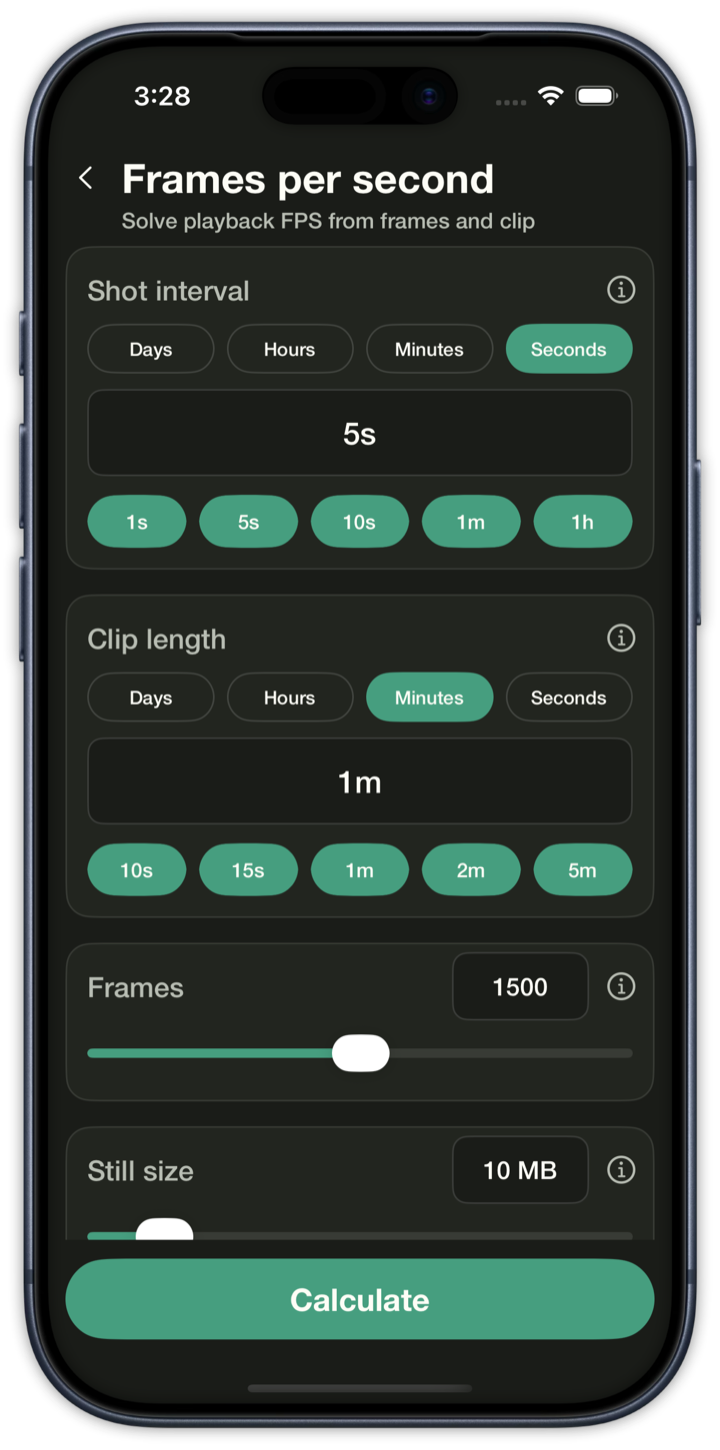
Frames per second calculator: 5 second interval, 1 minute clip, 1500 frames, 10 MB still size
Frames per secondFrom frames and clip
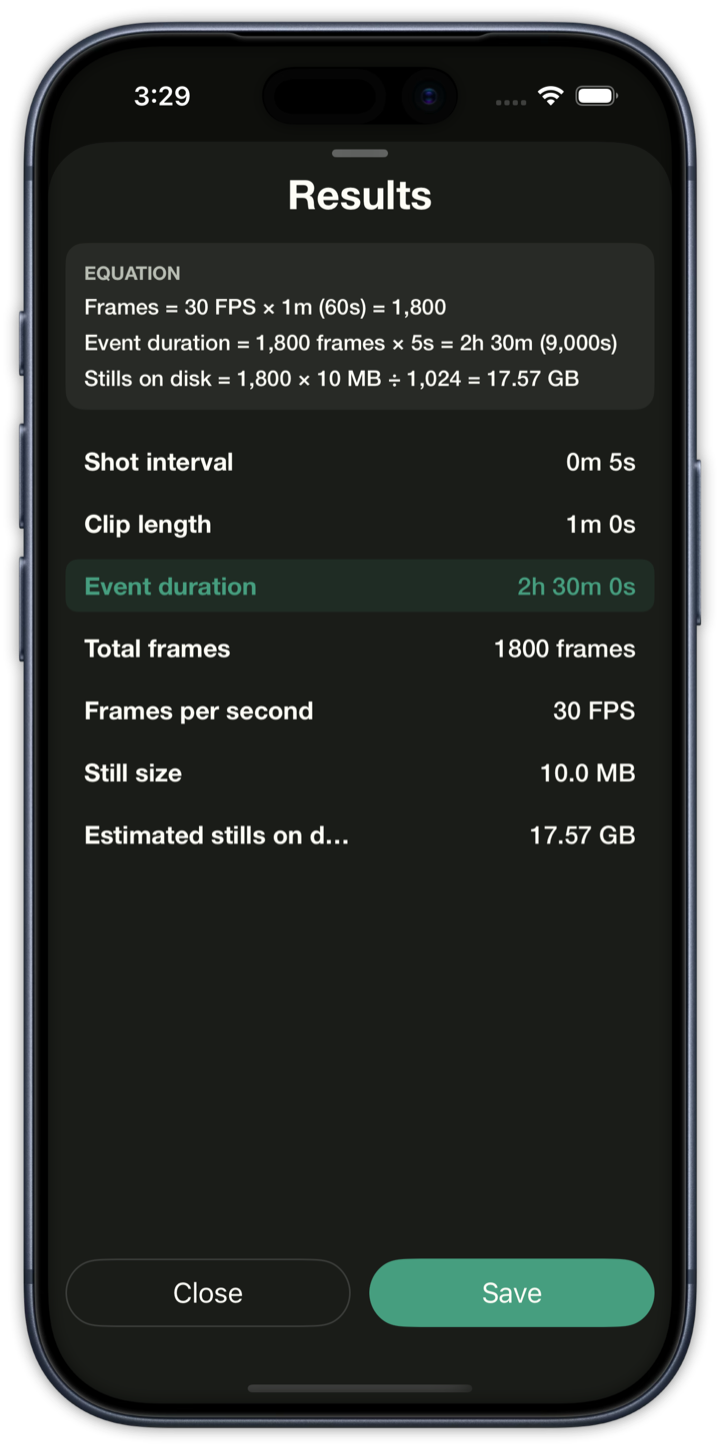
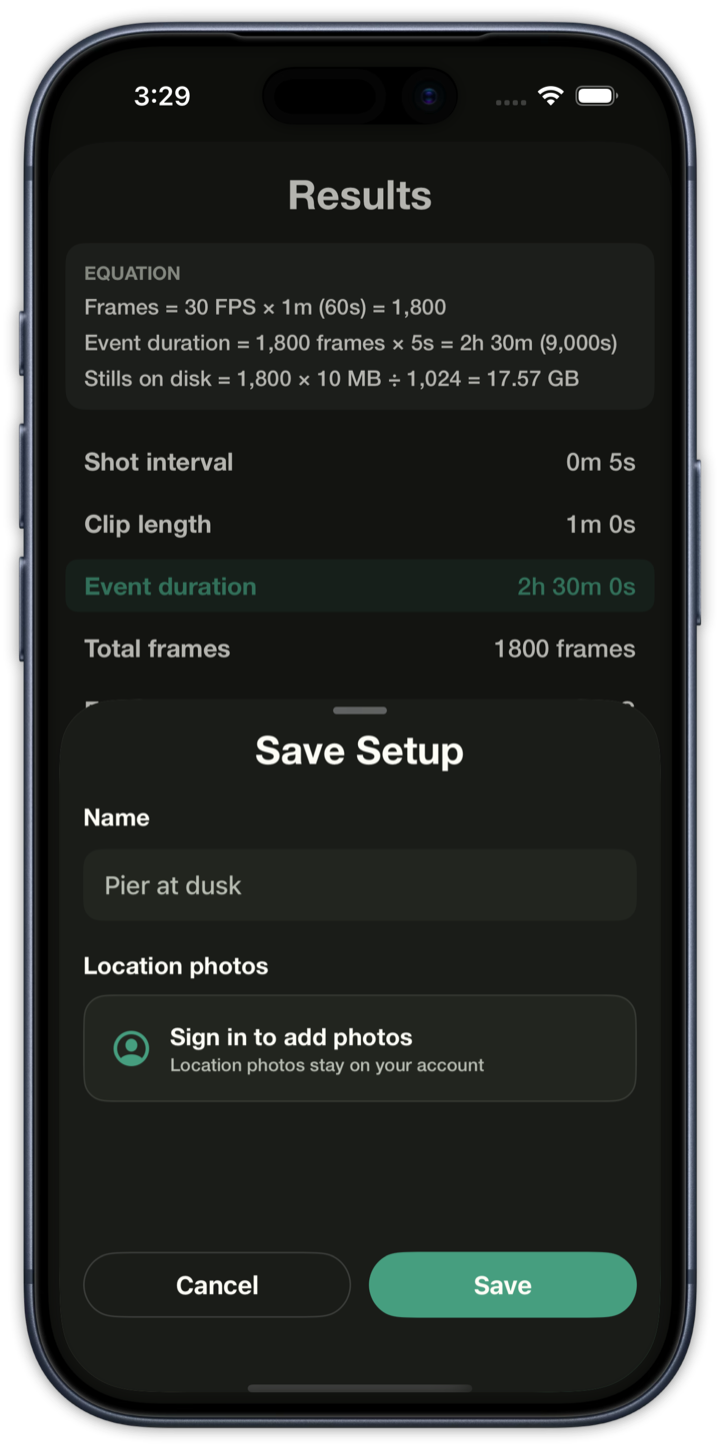
Results sheet with the equation, a solved event duration of 2 hours 30 minutes, 1800 frames, and 17.57 GB of stills
ResultsEquation and the solved value
Save Setup sheet over the results, with a name field reading Pier at dusk
Save setupName the plan
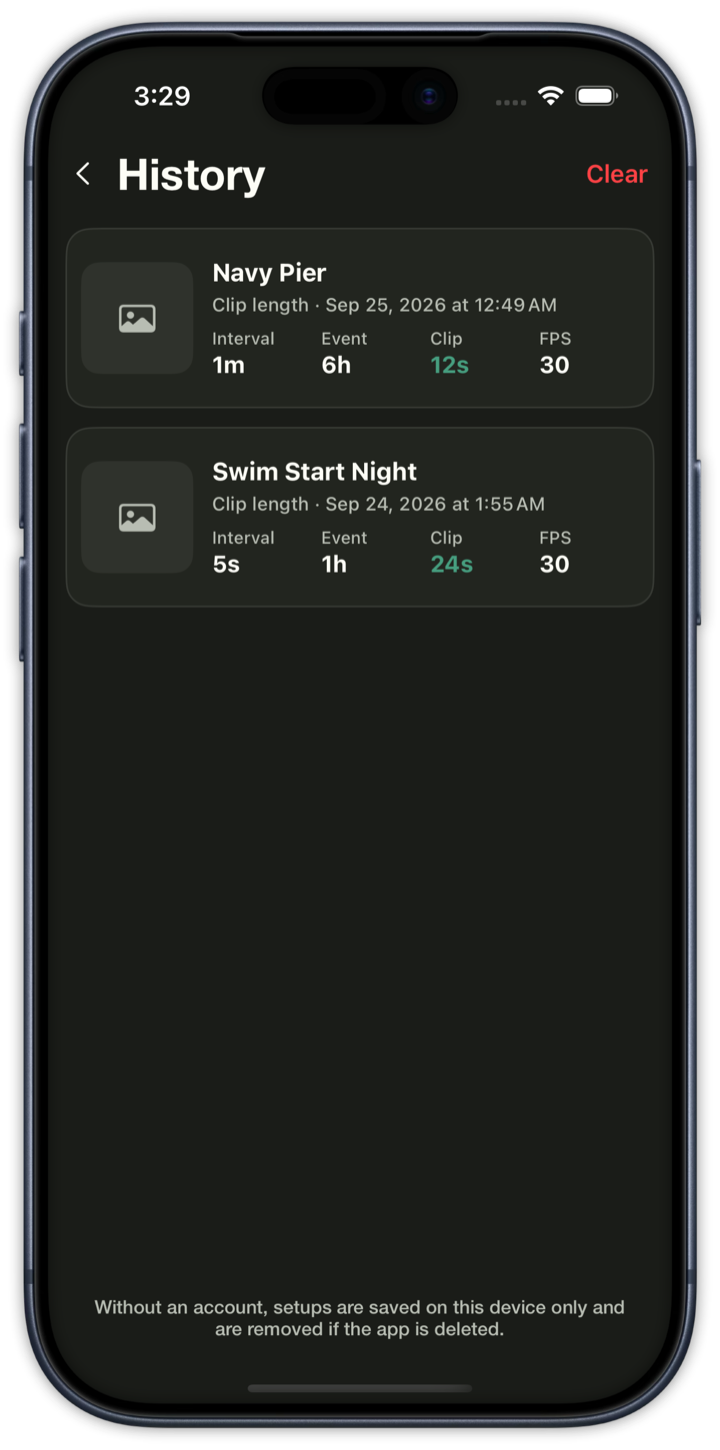
History list with Navy Pier and Swim Start Night setups
HistoryReopen a saved plan
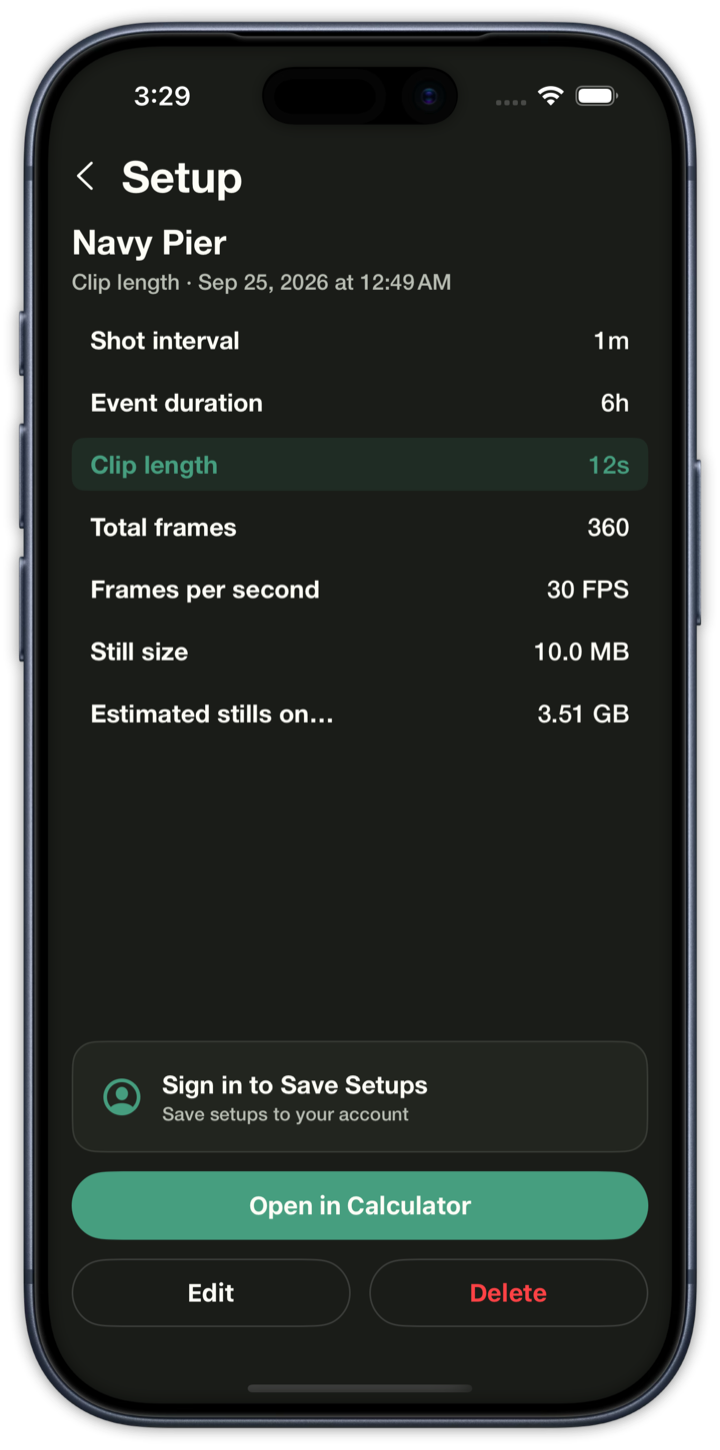
Navy Pier setup detail: 1 minute interval, 6 hour event, 12 second clip, 360 frames, 3.51 GB
SetupThe saved numbers
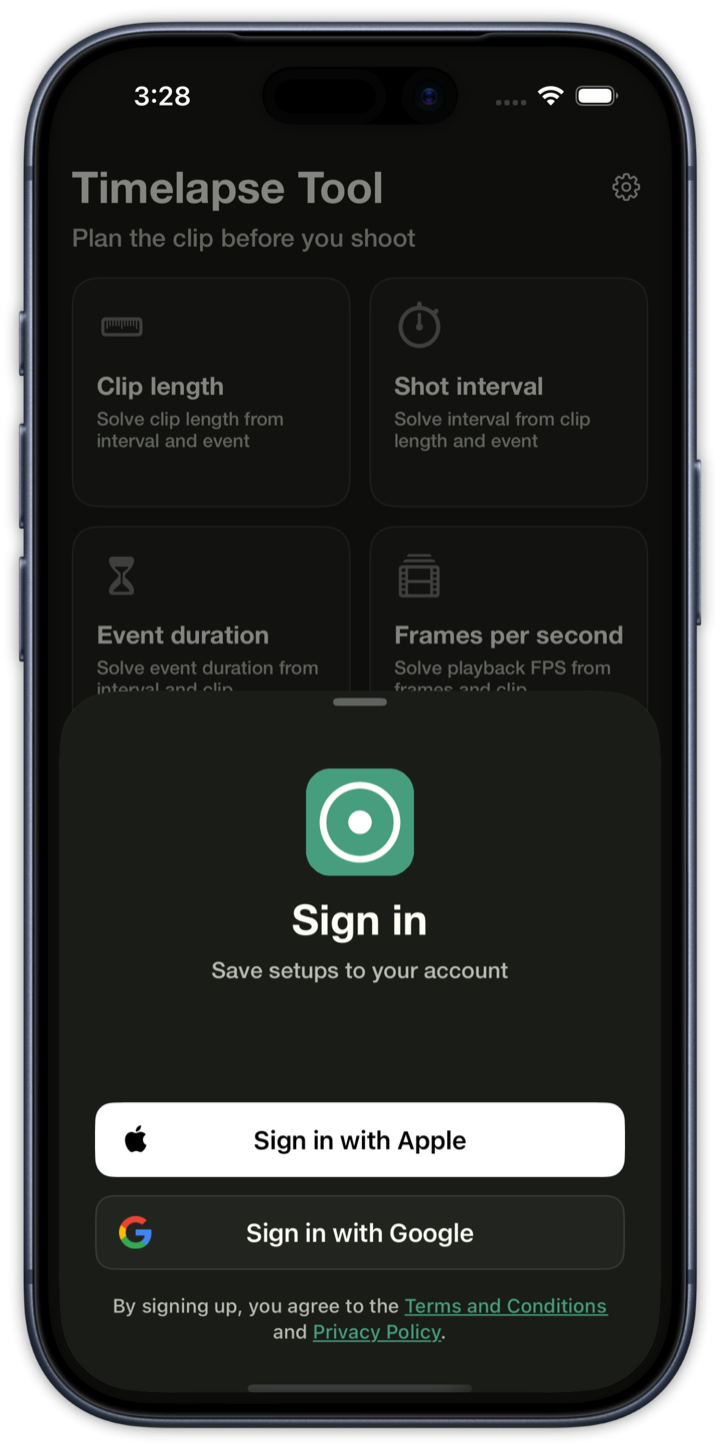
Sign in sheet with Sign in with Apple and Sign in with Google, over the home screen
Sign inSave setups to your account

Plain-language summary

Every 5s for 2h → 1,440 frames → 48s at 30 FPS

Use it in the browser, or on iPhone

Timelapse Tool plans the clip. It does not capture photos. Bring your own camera.